
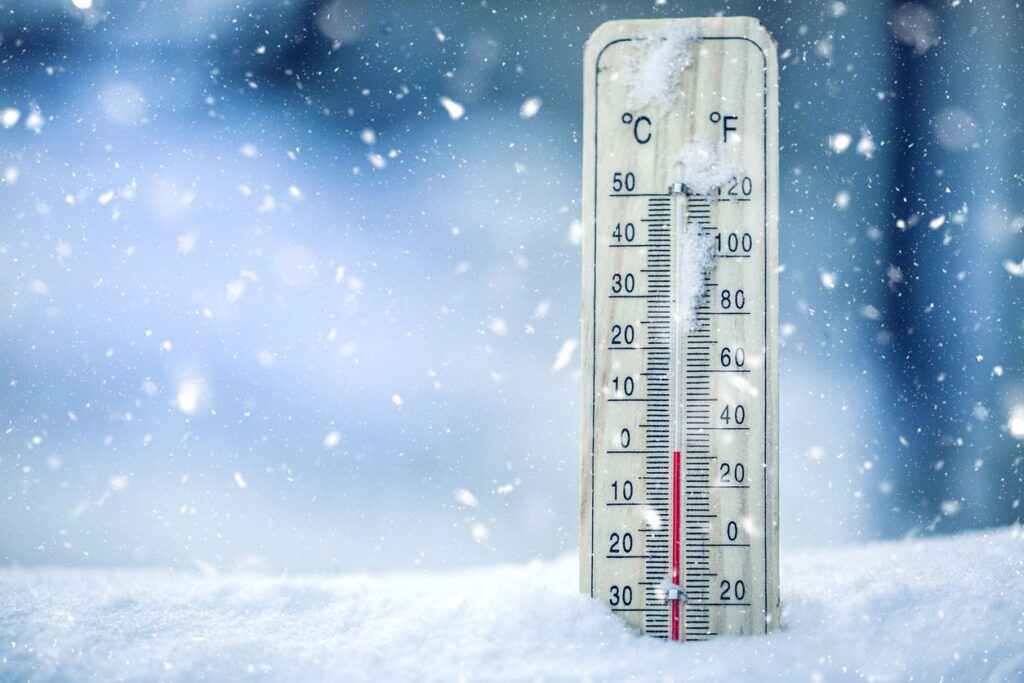
Winter months bring shorter days, colder temperatures and harsher weather, all of which can affect performance of your security cameras and surveillance systems. Ensuring cameras operate reliably during snow, ice and freezing temperatures is critical for maintaining safety and protecting property.
Here are seven essential tips to prepare your cold-weather security cameras and commercial security cameras for winter.
- Inspect Camera Housings and Mounts
Cold weather, snow and ice can damage camera enclosures and mounts.
- Check for cracks, loose brackets, or corrosion.
- Ensure all cameras are securely mounted to withstand wind and ice accumulation.
- Replace or repair any damaged mounts before winter storms arrive
- Clean Lenses and Protective Covers
Snow, ice and road salt can build up on camera lenses, reducing visibility
- Regularly clean lenses with a soft, lint-free cloth.
- Avoid harsh chemicals that may damage the protective glass.
- Consider installing heated or wiper-equipped camera housings for areas prone to heavy snow or freezing rain.
- Check for Proper Lighting
Shorter winter days can create poorly-lit areas, affecting image quality.
- Ensure outdoor cameras have sufficient IR night vision or supplemental lighting.
- Adjust exposure and brightness settings to compensate for low-light conditions.
- Motion-activated floodlights can improve both security and video clarity for businesses relying on commercial security cameras.
- Test Camera Connectivity
Cold temperatures can affect wiring and connections.
- Inspect power supplies, PoE cables, and connectors for damage or exposure to moisture.
- Ensure all connections are tight and weatherproof.
- Test your network video recorder (NVR) or cloud system to confirm all cameras are streaming properly.
- Use Weatherproof and Temperature-Rated Cameras
Not all cameras are designed for extreme winter conditions. Installing cameras rated for low temperatures and harsh weather ensures consistent performance during snow, ice and freezing rain.
Winterproof Camera Examples:
Tips for winter installations:
- Ensure cameras’ IP rating matches outdoor exposure, ideally IP66 or IP67 rated cameras
- Consider built-in heaters or fan-equipped housing for areas with heavy snow or freezing temperatures.
- For extreme low-light conditions, choose models with IR or thermal imaging capabilities to maintain footage for best outdoor cameras for winter.
- Remove Snow and Ice Buildup
Snow can block camera views and distort images.
- Clear snow off housings and lenses properly.
- Trim overhanging branches that can collect ice and fall onto cameras.
- For high or hard-to-reach cameras, consider installing snow shields or hoods to reduce buildup.
These steps help ensure cold-weather security cameras continue performing at their best.
- Schedule Routine Maintenance
Preventative maintenance ensures your security system performs optimally all winter:
- Inspect and clean cameras monthly during winter.
- Verify all recording equipment is functioning and storage is sufficient.
- Document and report any recurring issues to your installer or distributor for timely service.
Winter weather can create challenges for security cameras and surveillance systems, but proactive measures can prevent downtime, protect property and keep your business safe.
For installers, resellers, or businesses looking to upgrade or winter proof their security systems, choosing high quality weatherproof cameras and implementing seasonal maintenance plans is key.
Become a GSS Dealer today or contact our team for more information.
Let us show you how much easier and more profitable your projects can become with a distributor who truly has your back.